Tutorial 1
Your ClickBaitPays back office: a quick tour
Know your way around before you spend a cent: every menu item and what it is for.
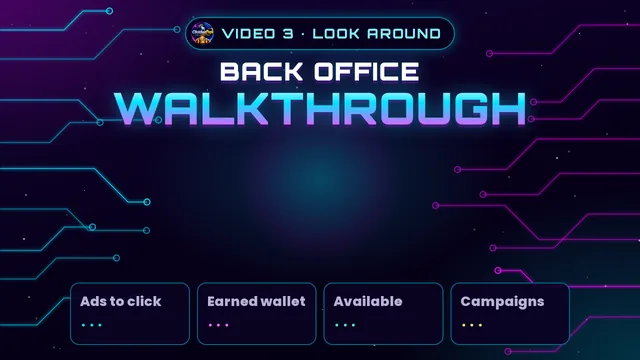
In this tutorial
- Your dashboard: stats and your referral link
- Where you advertise and unlock earning
- Where you click your daily ads
- Where your money comes and goes
Step by step
- 1
Log in
Go to clickbaitpays.me/login.php. A login ad shows for 30 seconds, then your dashboard opens.
- 2
Your dashboard
Your stats at a glance, and your referral link with a Copy button.
- 3
Advertise and unlock earning
Buy Ad Campaigns, Activate Earnings and Buy Login Ads.
- 4
Your daily clicks
Click Ads, Saved Ads and Click History.
- 5
Your money
Deposit, Withdraw, Purchase History and Pay It Forward.
- 6
On a phone
Tap the menu button (the three lines) to open the menu.

Got a link? Get it seen.
Promote BellverCards, PRENET, Bitcoin Wealth, JetUP or any program with a link, and get paid in USDT to view ads while you do.
Join ClickBaitPays Free (opens the official sign-up page in a new tab)Free account. Invited by someone else? Please use their link.
Nothing to promote yet? See MTG's income streamsWant this exact website, with your link?
The ClickBaitPays guide that sells the real reason people join: traffic for what they already promote. Your link on every button. R1,000 or $50 once-off, and you pay only if you like it.
Get This Website